5 Top Free AI APIs for Developers to Experiment With (2026)
6 min read

Ever since ChatGPT exploded into the mainstream in late 2022, AI development has moved at an absurd pace. Today, free AI APIs make it possible to build chatbots, coding assistants, automation tools, and even multimodal apps without spending hundreds of dollars upfront.
AI is everywhere right now, and new AI API providers that you’ve never heard of before seem to appear almost every month. Big tech companies, startups, and infrastructure platforms are all competing to host models and sell API access to developers.
Why Finding Actually Free AI APIs Can Be Troublesome
At first glance, many AI platforms look like they offer generous free api access. You will often see phrases like “sign up for free,” “try for free,” or “free credits included,” but the reality is usually more limited once you start using them.
Some providers only give short-term credits, while others heavily restrict usage under their free llm tiers. It is common to hit rate limits quickly, especially when testing real applications like chatbots, automation tools, or image generation workflows.

That becomes frustrating when you are trying to build something real. A chatbot prototype, AI coding tool, automation workflow, or side project can easily burn through tiny quotas much faster than expected.
Because of that, I wanted to put together a more practical list focused on AI APIs that are genuinely useful for developers. Not just for clicking around a playground, but for actually learning, experimenting, and building real projects without immediately hitting a paywall.
Best AI APIs for Developers
If you are looking for practical tools to start building with, here are some of the best AI APIs for developers that you can build your projects with right away.
1. GroqCloud
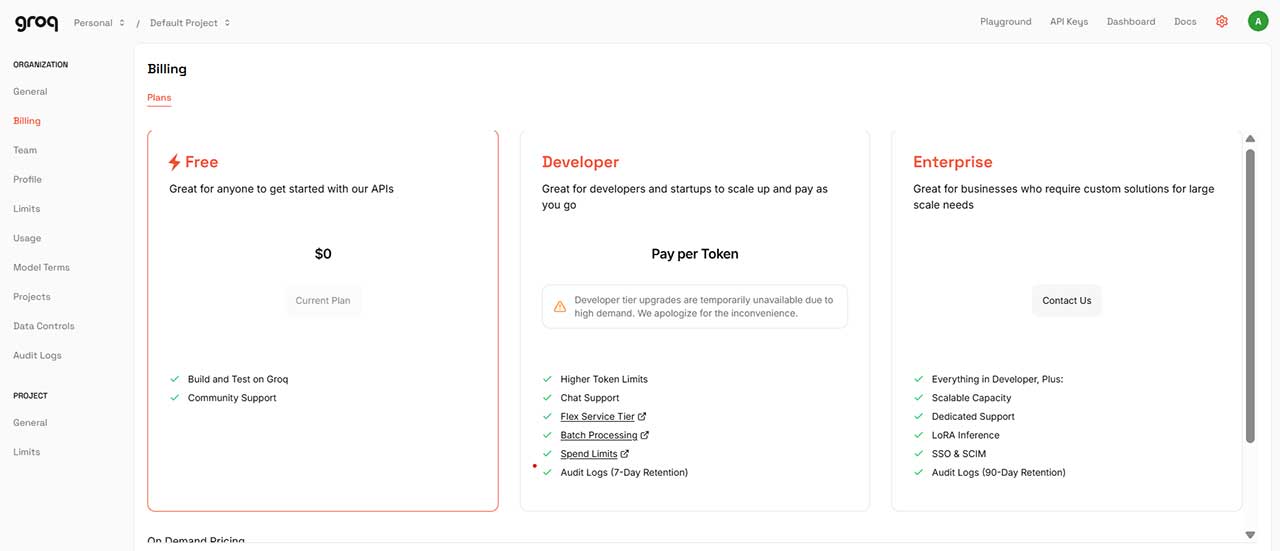
GroqCloud has built a strong reputation among developers mainly because of how generous its free Developer Plan is. One of the biggest advantages is that you do not need a credit card or payment verification to start, which makes it very beginner friendly for anyone exploring AI APIs for the first time.
In many cases, you can actually build and ship a real working prototype using just the free tier. That alone makes it stand out compared to many platforms that only allow short trials or limited sandbox testing.
The model selection is not always the newest or most hyped, but it is quite diverse. You will find models like Groq’s own compound models, Meta Llama variants, Orpheus, and even OpenAI GPT OSS options depending on availability.
2. Google AI Studio (Gemini)
Google AI Studio is probably the most well known inference provider in this list. The good news is that you do not need to set up a billing account just to generate API keys and start testing.
The free usage limits can feel tight depending on what you are doing, but it varies a lot based on your use case. For example, text generation tasks tend to feel more usable, while heavier workloads like code generation or complex reasoning can hit limits faster.
One underrated benefit is model variety. You can still access older or deprecated Gemini models through the API that are not always available in the public chat interface, which is useful for testing and comparisons.
3. Mistral AI
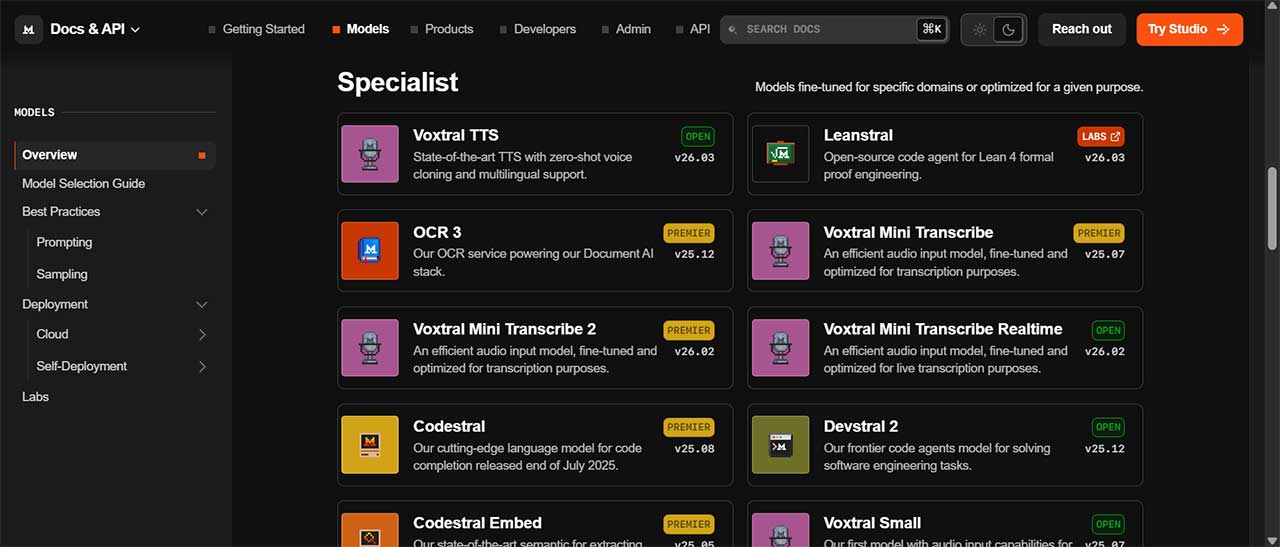
Mistral AI offers a slightly different entry point compared to most providers. To access models through their ecosystem, you can easily upgrade to their Experiment Plan for free to unlock full access to API usage.
You will find models fine tuned for coding, OCR, text-to-speech, image generation, and more specialized workflows. In terms of breadth, it actually feels quite comparable to Google AI Studio in some areas. The main difference is that Mistral leans more toward open model flexibility and efficiency, especially for developers who care about performance and deployment control.
For anyone building more technical or domain specific tools, Mistral is worth exploring early.
4. OpenRouter
OpenRouter sits in the AI gateway category, and it is one of the most flexible tools for developers who want access to many models without juggling multiple accounts.
Through a single API, you can access hundreds of AI models, and the platform regularly updates its list of free options. This makes it a great environment for experimentation and rapid prototyping.
There is also a small barrier to unlocking higher rate limits and premium access. A one time payment of at least $10 is required, which increases daily limits and expands access to paid models under the pay as you go system.
5. Hugging Face Inference API
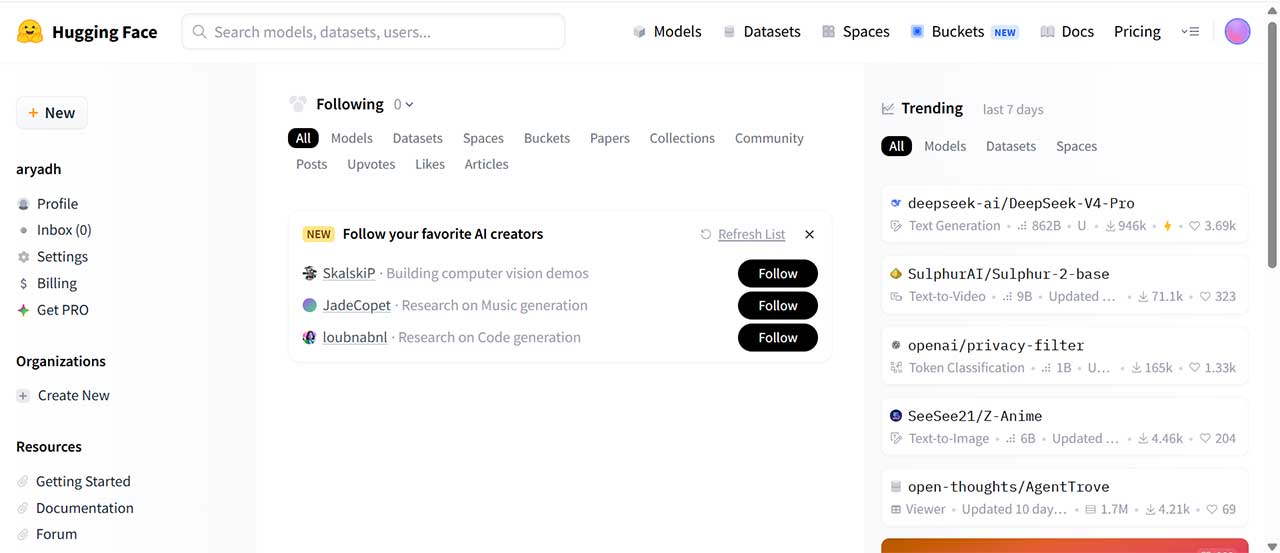
Hugging Face remains one of the most important platforms in the open-source AI ecosystem. Its Inference API gives developers access to thousands of community-driven models, covering everything from text generation and embeddings to OCR, translation, and image classification.
The free tier is quite limited compared to some newer providers, but it is still useful for experimentation. Free users typically receive around $0.10 in monthly credits, which can be used to make small API calls and test models. Once that credit is used up, you will need to purchase additional credits to continue using the service, similar to a pay-as-you-go model like OpenRouter.
Any Alternatives? You’re in Luck
Thankfully, there are alternatives if you still feel that most cloud AI APIs are a bit too restrictive or hidden behind paywalls. If you are willing to get a bit more hands-on, you can even run your own AI models locally instead of relying on external providers.
One of the most popular ways to do this is through Ollama. It lets you self-host AI models directly on your machine, which means you are no longer paying per request or dealing with strict API quotas. The tradeoff is that you will need decent hardware, especially if you want to run larger models smoothly.
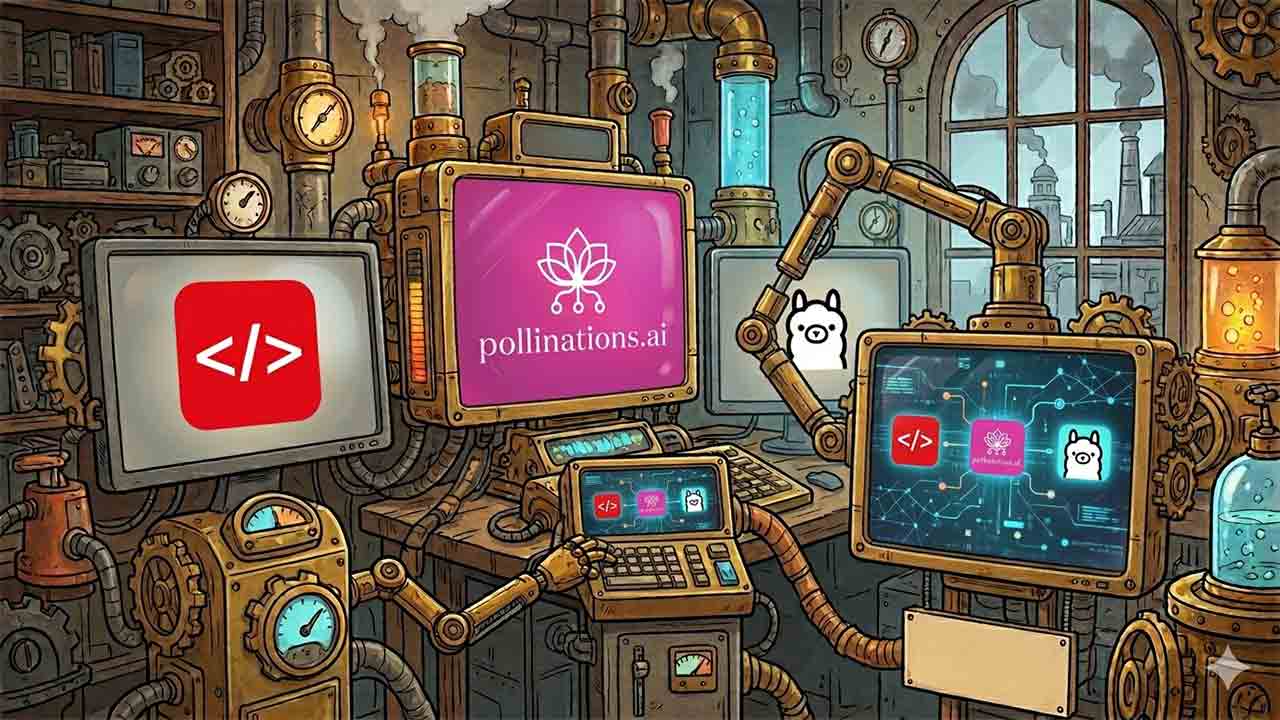
There is also a more browser-focused approach through tools like Puter.js. Instead of setting up a backend just to call AI models, you can run AI workflows directly in the browser. This is especially useful for frontend-heavy projects, quick prototypes, or experiments where you want to stay lightweight and avoid infrastructure complexity.
Another interesting option I came across is Pollinations.ai. It works more like a community-driven AI gateway, where you can access a variety of text and image generation models with surprisingly generous rate limits. It is not as structured or production-ready as the big cloud providers, but for experimentation and building early prototypes, it feels very open and accessible.
Final Thoughts
Are these AI APIs truly “free”? That might be a bit of an overstatement. Most of them still come with rate limits, usage caps, or restrictions depending on your use case.
Still, the selection of free AI APIs in this article should be more than enough for developers to start experimenting with real models, building side projects, and learning how modern AI systems work in practice. None of them require upfront payment or mandatory credit card setup just to get started, which makes them genuinely accessible for beginners and indie developers.