AI Coding Tools I Tested in 2026: What I Still Use and Why
7 min read
As a continuation of my article on vibe coding a WordPress plugin, this post takes a closer look at the AI coding tools I’ve experimented with. I’ll share how I use each tool and highlight what stood out during my experience. Some tools excel at delivering instant results and fast builds, while others work better as coding assistants for learning programming, where understanding functions, syntax, and logic matters.
AI Coding Tools: What They Actually Do
The software development world has come a long way. Nowadays, apart from how crowded this field of work is, in my view the reason for you not to take part in this field would come down to personal preference. It’s no longer about the lack of learning resources or tools.
With AI coding tools gaining traction, entering the field has become much more beginner-friendly. But what are AI coding tools exactly? At its core, they rely on one of the main abilities of LLMs, which is AI code generation. AI code generation is a large-language-models ability that allows them to generate code using algorithms that are trained on public or open-source projects.
That core ability is what defines these AI coding tools. They are software development assistants that help you write, edit, and understand code using natural language. You describe what you want to build, and the tool generates code, suggests fixes, or updates existing files.
A lot of AI coding tool comparisons lump everything into one bucket, which feels like an oversimplification. In reality, these tools live on different platforms and are designed to solve different problems.
AI Coding Tools That I’ve Tried
I tested most of these tools on their free plans. Naturally, different models have different capabilities, most of them allows you to bring your own API key from your favourite AI providers if you’re not satisfied with the options that they give you.
1. v0 by Vercel
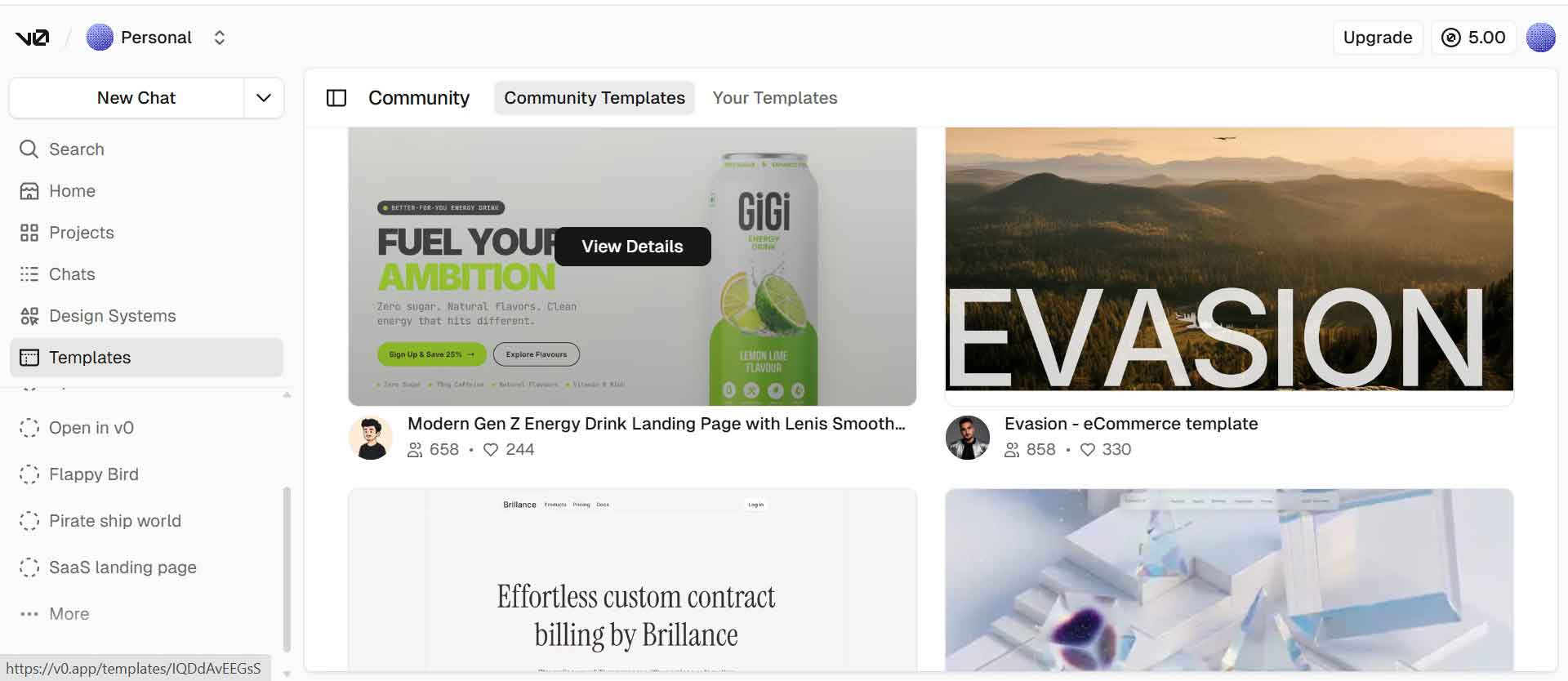

v0 is a web-based AI coding platform focused on frontend development. I did not go deep into integrations, but it is good to know they exist. You can connect your v0 project to various AI providers, databases like Supabase or Neon, and even payment services such as Stripe for your development needs.
One major downside that I found was that you cannot import a GitHub repository directly, although uploading the project through a zip file is possible. It is also limited in terms of tech stack as its a React and Next.js based environment.
That said, v0 is tightly integrated with Vercel, which makes deployment extremely straightforward. You can go from a generated project to a live deployment with very little setup. If you do not know what to build or where to start, there are plenty of community templates available to help you get started.
2. Bolt
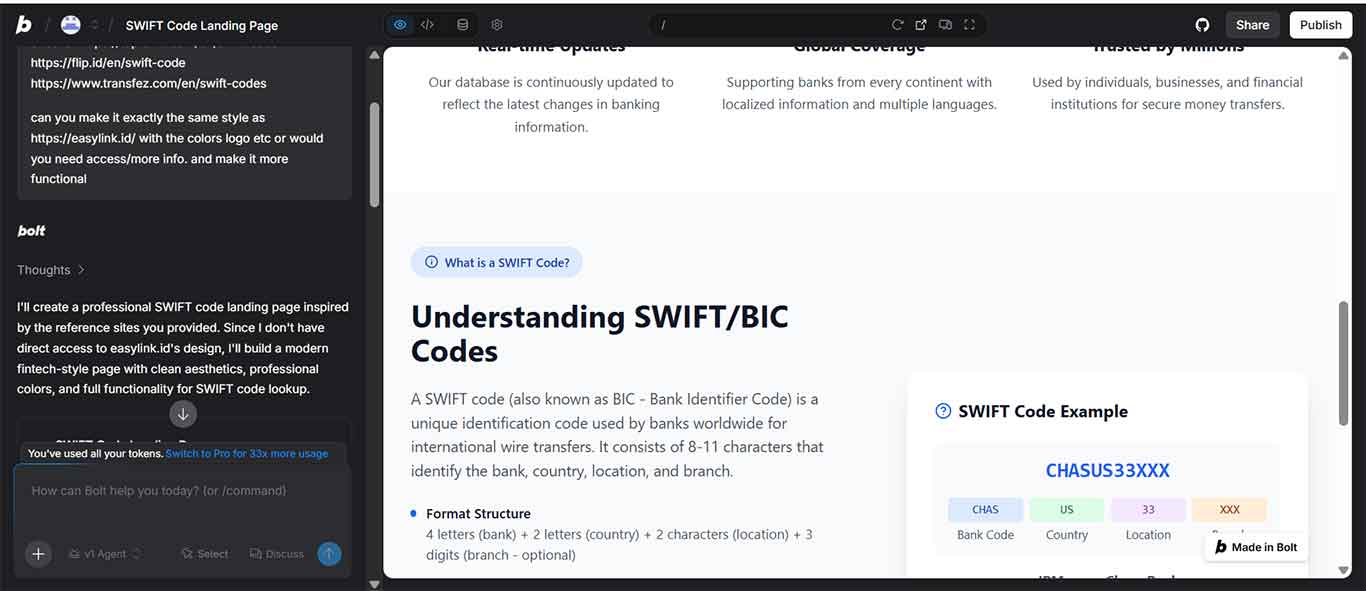
Bolt is another web-based AI coding platform, similar to v0, and it is especially good at frontend tasks and quick UI generation.
One reason the UI output often looks polished is its support for Claude AI models (Sonnet, Haiku, Opus). These models tend to be strong at layout, spacing, and component structure, which shows up in the final result without you needing to over-specify every detail.
Unlike v0 or Google AI Studio, Bolt lets you import both a Figma file and an existing GitHub repository. The Figma file import is especially useful if you want to translate a Figma design directly into frontend code, which makes it easier to continue working on an existing project instead of starting from scratch.
If you are comfortable with this type of tool, Bolt does its job well. If you are looking for something similar, Lovable fits into the same category.
3. Cline
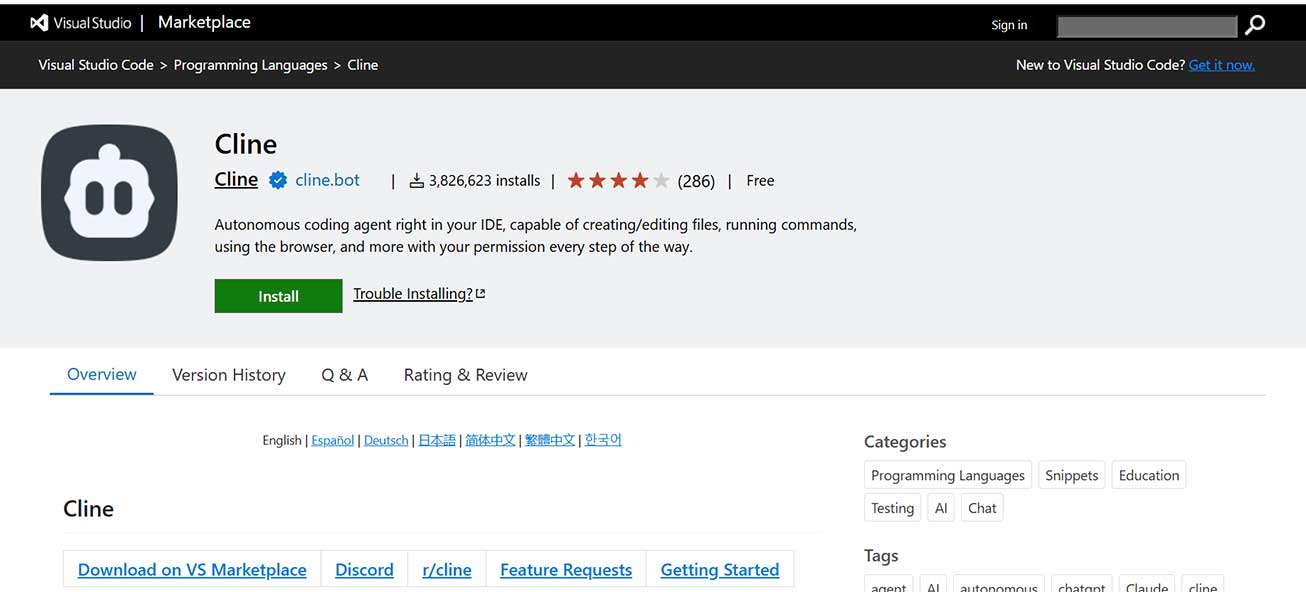
Cline is an AI coding assistant that can run as a VS Code extension and works directly inside your editor. It helps with planning, code generation, debugging, and project-level reasoning without forcing you to leave your IDE.
Cline’s plan mode is extremely useful when you are still figuring out what you want to build or if you want to debug a project that you’re developing. You can brainstorm the structure of a project, define features, and think through edge cases before touching any code.
If you’re looking for another one like this, Roo Code and Kilo Code belong in the same family. They behave very similarly, and even the free models produce comparable results.
4. Builder.io
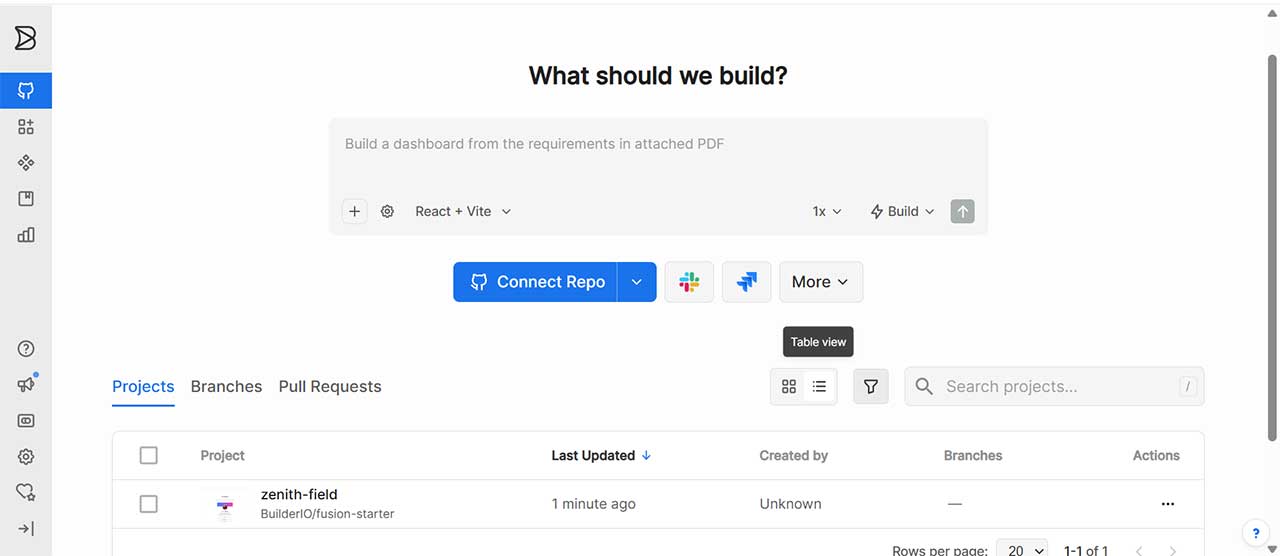
Builder.io is mainly a web-based platform, but it supports multiple ways of working depending on your setup. It connects directly to common version control platforms like GitHub, GitLab, Azure DevOps, and Bitbucket, which makes it easier to work on real projects instead of isolated demos.
You can use it through the browser, run it locally with a desktop app, work from the CLI, or install the VS Code extension. In my case, I mostly used the VS Code extension since it fit better into my existing workflow.
It’s brilliant for AI-assisted UI and layout work rather than core application logic. I found the free plan quite generous, so I treat it as a visual accelerator. The fact that you can attach a figma design with your prompt really helps the final visual output.
5. Windsurf
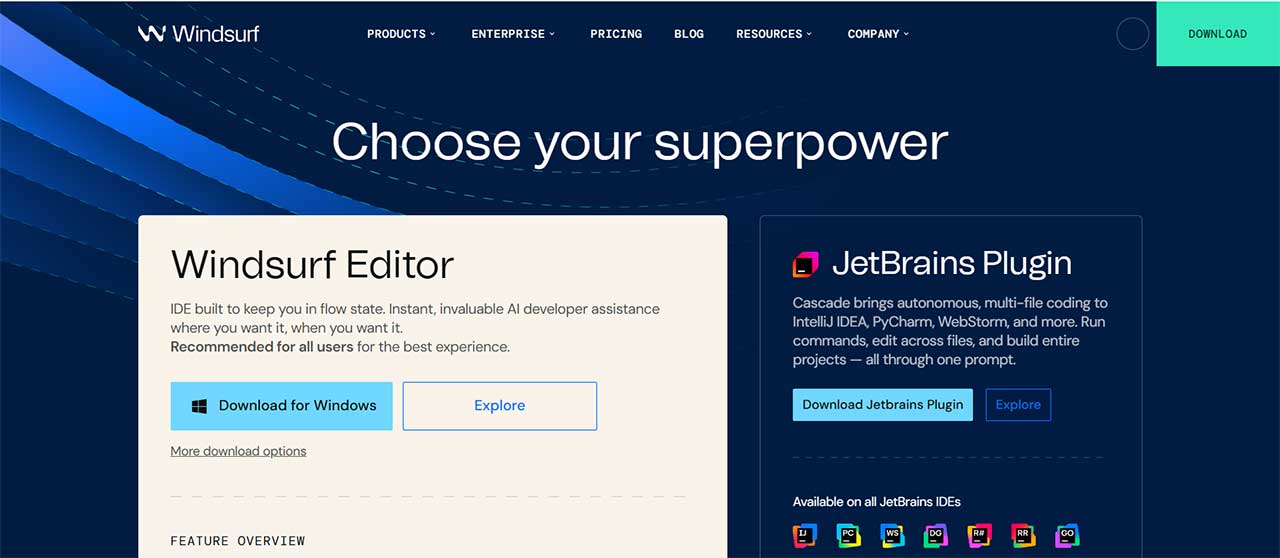
Windsurf works both as a standalone IDE and as a VS Code extension, which makes it easy to fit into different workflows. You can use it as your main editor or keep VS Code and run Windsurf alongside it.
Windsurf plays a different role in my workflow. I mainly use it for syntax fixes, quick refactors, and small corrections, code completion suggestions. I see it in the same category as tools like Cursor and GitHub Copilot.
6. Google AI Studio
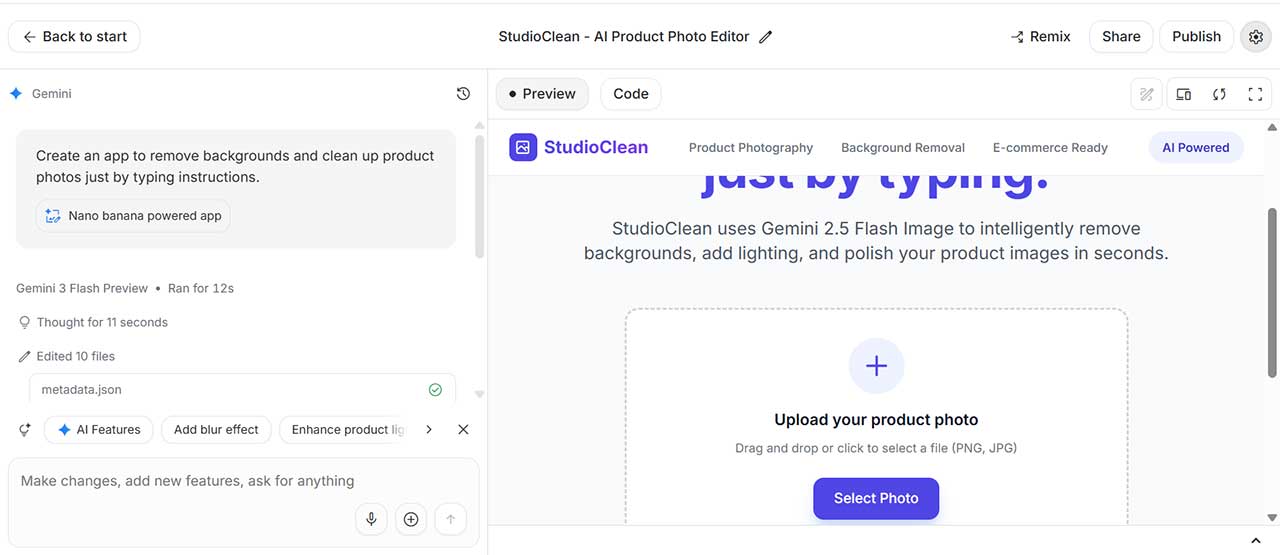
Google AI Studio has been gaining traction recently, so I spent some time testing it. It is another web-based AI coding tool and fits into the same category as Bolt, Lovable, and v0.
It performs decently on UI tasks, but it does not have a plan mode. That means you need very detailed prompts if you want something specific. One interesting part is how easily it integrates with other Gemini features, such as image generation models like Nano Banana.
Similar to Bolt, you cannot import an existing GitHub repository. This type of AI coding tool works best when you are starting from scratch rather than continuing an existing project.
7. Cursor
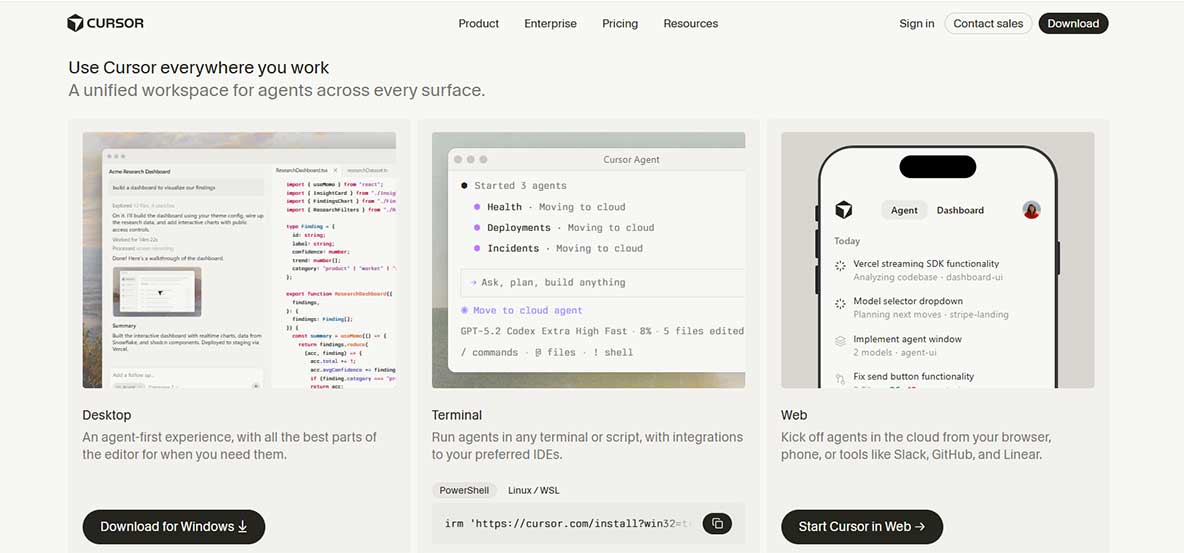
Cursor is not just an AI coding tool, it is a full IDE that can replace VS Code entirely. Under the hood, it is built on top of VS Code, so the interface, shortcuts, and extensions (you can import your VS Code settings and extensions to cursor) will feel familiar right away.
The AI coding tool definition comes from its built-in AI support. The AI is integrated into the editor, which lets you highlight code, ask questions, request refactors, or generate new logic directly inside your files without switching contexts.
In a development workflow, Cursor also works best as a coding assistant. It supports inline code suggestions, autocompletion, and small refactors. It feels similar to Windsurf or GitHub Copilot in that sense.
Conclusion
Since most of these AI coding tools have different use cases, I think it’s impossible to call any of them as the best AI coding tool. It really depends on what you’re building and what you need the AI coding tool for. I personally still mix and match depending on whether I’m exploring an idea or maintaining an existing project.