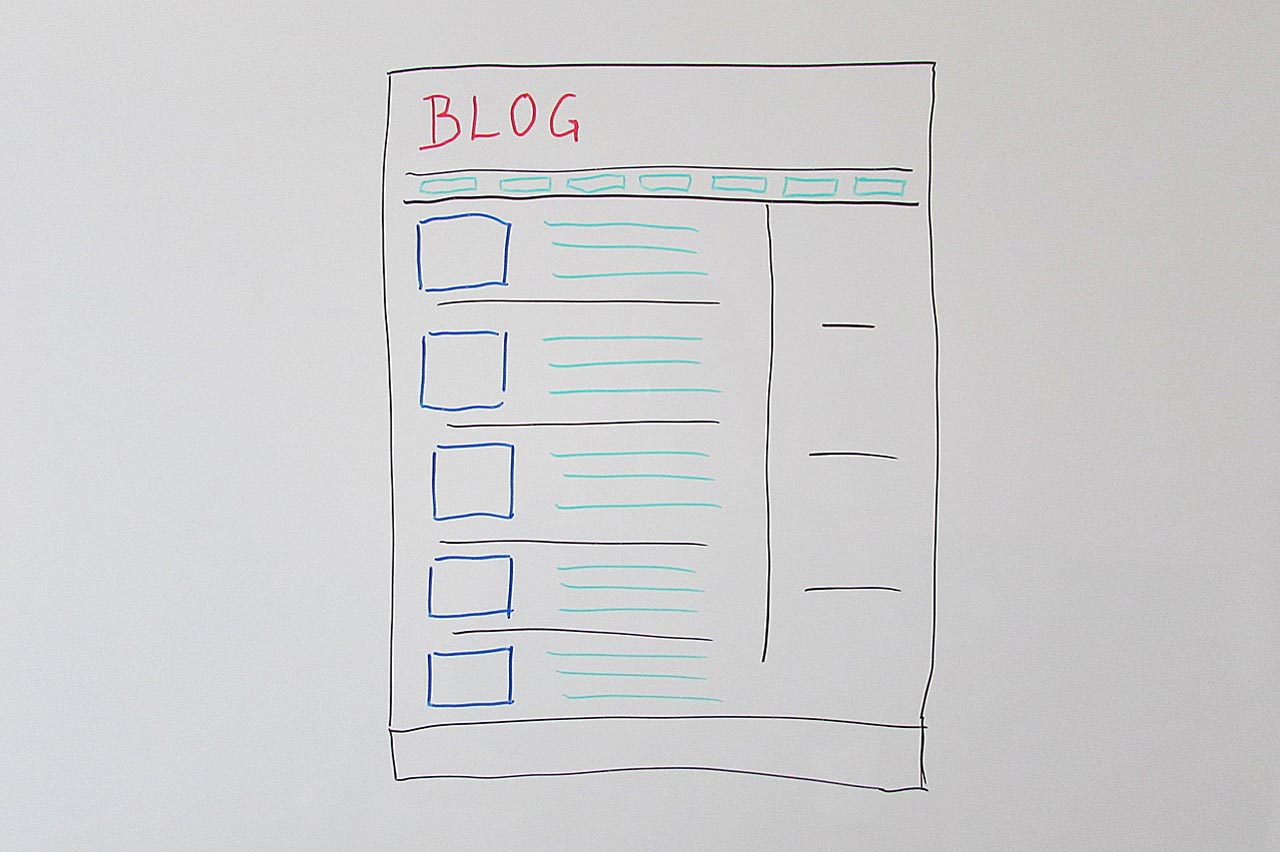
Vibe Coding a WordPress Plugin to Build an AI Blog Post Generator
7 min read

If you spend any time around tech/AI discussions space lately, you must be familiar with the term “vibe coding” by now. The term pops up everywhere in social posts about AI, coding, and the way software is suddenly being built faster than ever.
I was curious enough to try vibe coding a WordPress plugin, and that’s what led me to building Postify, an AI blog post generator for WordPress.
Vibe Coding and WordPress Plugin Development
At its core, vibe coding is about guiding AI to handle the coding work for you based on your instructions. So you can forget about obsessing over programming syntax. You focus on what you want to build, how it should behave, and how users should interact with it.
When vibe coding, you’ll feel more like a product owner than just a developer. I described what the plugin should have in the dashboard, how data should be stored, and what users should see on the frontend. The AI then turns those instructions into plugin files, hooks, and logic.
I would describe how a feature should work, test it quickly, then adjust based on what I saw. That fast feedback loop is what made this approach click for me. Of course, it still depends on what tools and what AI models you use. I’ll explain mine in the next section.
Tools & Setup
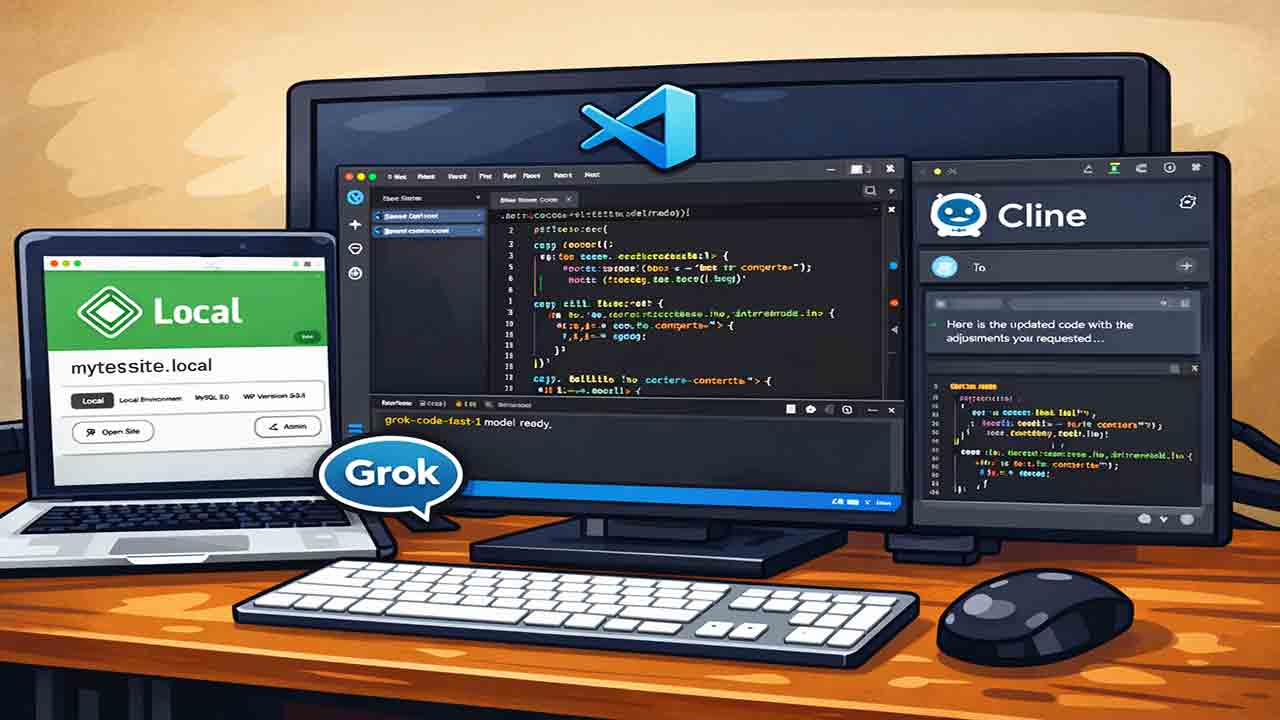
I kept the setup intentionally simple. I used a local WordPress environment with LocalWP, Visual Studio Code as my editor, and an AI assistant through Cline VS Code extension. As for the AI model, I relied mostly on the free grok-code-fast-1 model by Grok, which worked surprisingly well for my use case.
The Vibe Coding a WordPress Plugin Idea
I started with a rough idea, not a polished plan. The root of the idea was that I have my go-to prompt that I use to generate SEO blog articles. The main question was simple: what if I could shorten the entire process of copy-pasting prompts into chatbots just to generate a decent blog article?
At first, I did not plan to create a WordPress plugin. I considered building a self-hosted dashboard or a dedicated web page instead. Since WordPress is a pretty common CMS, it made sense to turn the idea into a plugin.
For context, I had never developed a WordPress plugin before. I know a little about PHP development but my knowledge leans more towards the front-end web side of it. With vibe coding becoming more accessible, the barrier to entry in any of these really feels much lower. Even people with limited technical knowledge can now build something functional in a relatively short time.
The Development Process

Starting Without Prior Plugin Experience
Since I had never developed a WordPress plugin before, the process was not as organized as I would have liked. I spent a fair amount of time searching around and eventually learned that starting with a plugin boilerplate makes things much easier.
There are plenty of boilerplates available online. I chose a boilerplate by devinvinson on GitHub, forked the repository, and set it up in VS Code. That gave me a solid starting structure instead of working from scratch.
Building the Content Parsing System
The first thing I focused on was creating a system to parse web content. This is a key part of my article prompting workflow, where I usually use existing articles as reference material for AI-generated SEO content.
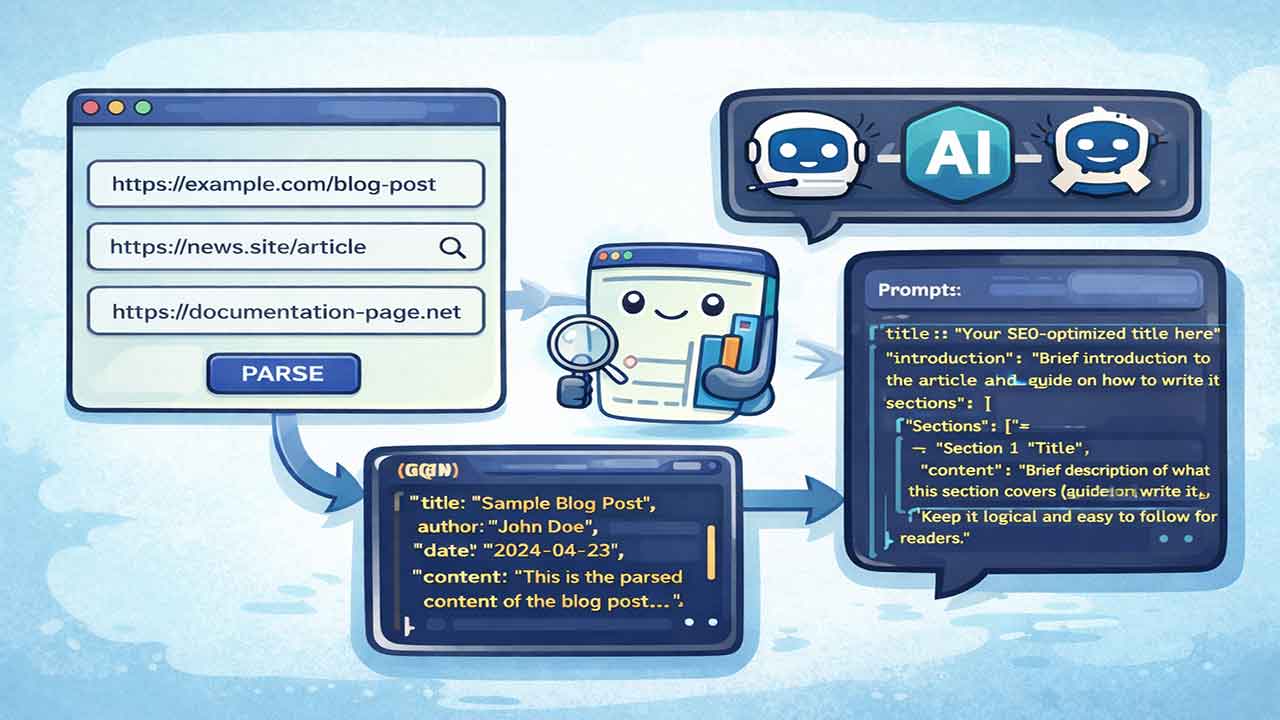
Once the content could be parsed, the next step was turning that data into usable prompt material. This allowed the plugin to feed structured input into the AI instead of raw text.
Choosing an AI Model and Generating Content
I looked for free AI model providers and landed on Groq. Generated an API key, tested a few available models, and picked the ones that worked best for content generation.
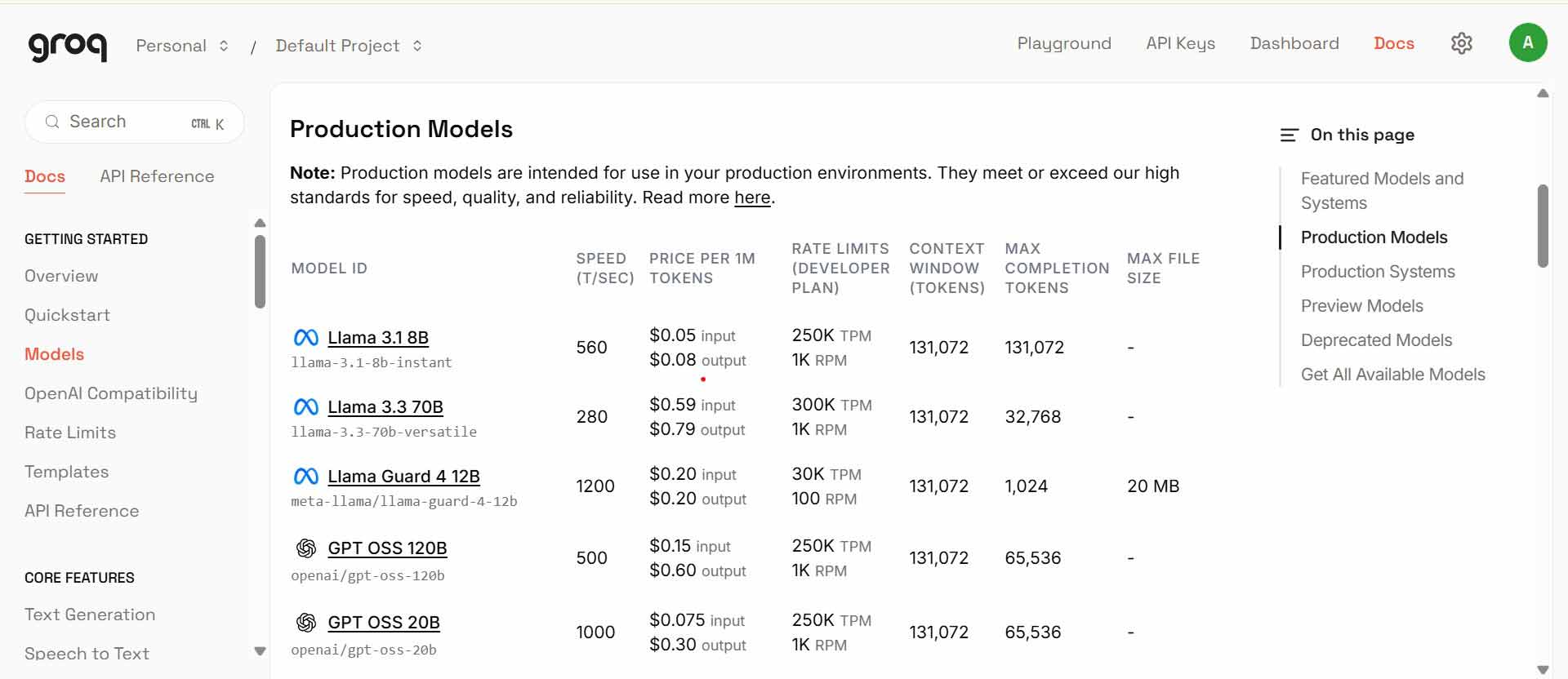
From there, the plan was to build a system to call the chat API endpoint and pass a base prompt from the codebase to the AI model. A simple example prompt programmed in the codebase would look something like: “Create an SEO article with the keyword ‘how to write a blog post’ with a word count of 600 to 900.”
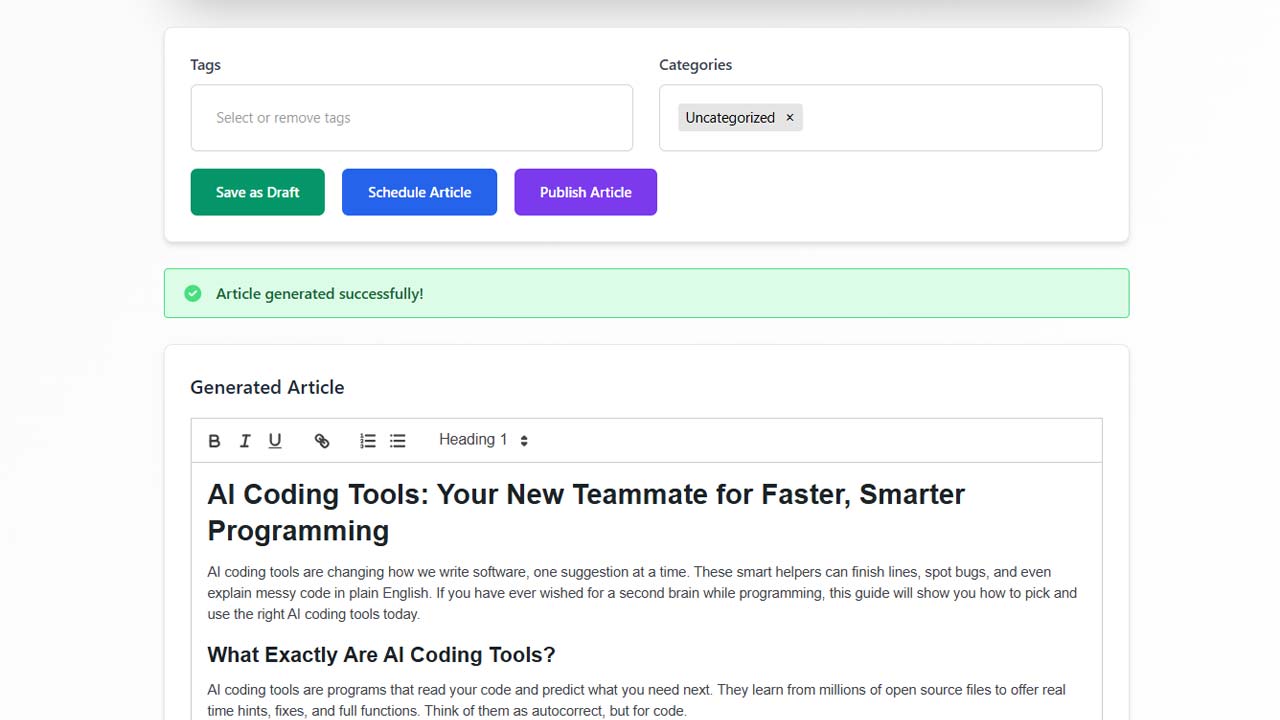
The AI’s response would then be displayed in the WordPress user interface.
Adding AI Image Generation
As an additional feature, I added AI image generation.

For this, I used pollinations.ai services, which offers generous and flexible image generation through their API. This made it possible to generate both text and visuals without leaving WordPress.
The Challenges: What Worked Well and What Didn’t
What Worked Well
Turning my ideas into a usable frontend was easier than I expected. The grok-code-fast-1 model handled UI-related tasks smoothly, and overall the interface came together without much friction.
That said, using Tailwind through a CDN was a bit of a tradeoff. It worked well for building the UI quickly, but in some cases it overrode WordPress’s built-in styles. It was manageable, but definitely something to be mindful of when working inside the WordPress ecosystem.
Debugging was also easier than I thought it would be. When something broke, I relied mostly on WP_DEBUG and the browser console logs to see what was going wrong. Copying those error messages and warnings back into the AI helped narrow down issues quickly, which saved a lot of time.
Where Things Got Tricky
Since I was dealing with APIs, one of the challenges I encountered was handling API key management in a production environment.
Did a surf and found that a lot of developers who create AI tools do not ship their digital products with API keys. Instead, they require users to obtain and pay for their own API keys, while the plugin itself only provides the tool. Making the plugin freemium would probably be the usual route, but personally this started as a fun project, so I did not want to go that deep.
I ended up choosing a different solution by encrypting the API key directly in the plugin files. This allows users to use the plugin right away. While this can become a cost issue at scale, for a project where users pay for the plugin and receive ‘full access’ to all features, I felt it was a reasonable tradeoff.
Postify – AI Blog Post Generator: How it Came Out
It was not a product idea from the beginning. As the workflow came together, it slowly turned into something that might be useful beyond my own setup. That’s why I’m sharing it.

Postify – AI Blog Post Generator focuses on fast content creation inside the WordPress dashboard. You can generate a quick outline or a full-length blog post, then draft, publish, or schedule multiple articles at once. The main goal was to cut down the time spent prompt-jumping between AI chatbots like ChatGPT, Claude, or Gemini, and bring that entire workflow directly into your WordPress dashboard instead.
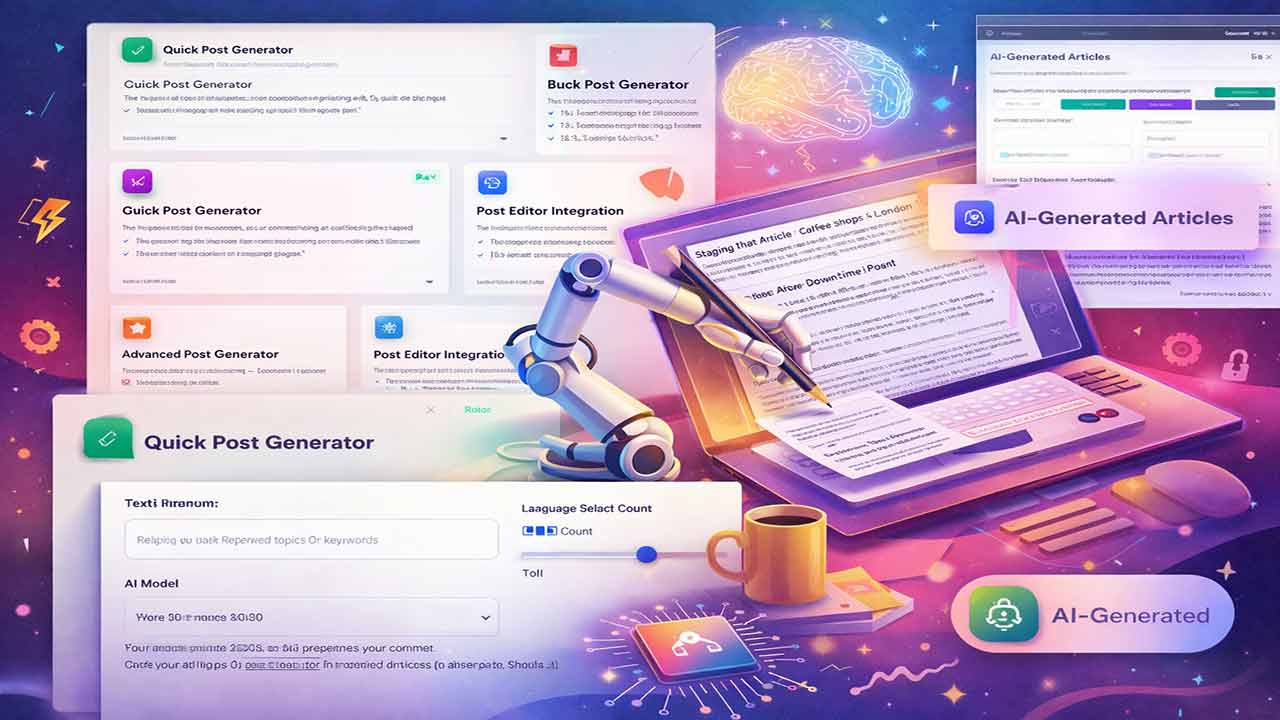
To wrap it up, I decided to list Postify – AI Blog Post Generator in my site’s catalog so anyone interested can try it or pick it up directly. I considered publishing it on marketplaces like ThemeForest or Codester, but why not on my own platform first.
If you are curious to see how it works in practice, you can check it out and explore it for yourself here: Postify – AI Blog Post Generator for Wordpress
Final Thoughts
Some might call vibe coding a hype term or part of an AI bubble waiting to burst. What feels undeniable, though, is how much lower the barrier to entry for software development has become. You no longer need to block off months just to test an idea, if you understand the problem well, you can build something useful in a matter of days.
AI coding does not replace developers. It simply takes care of repetitive work and frees up more time and energy to focus on thinking, refining, and improving the quality of the final product.